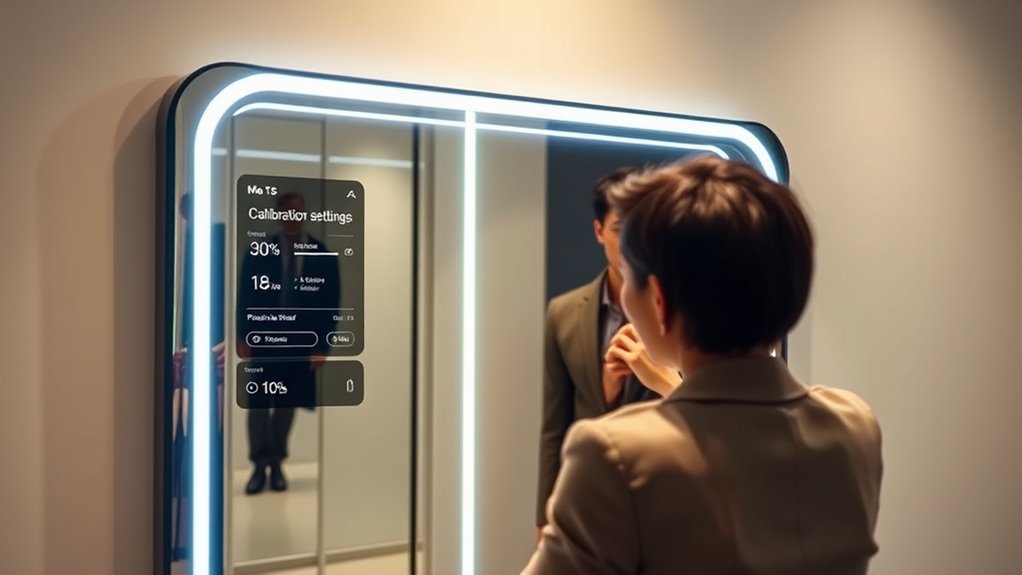

To guarantee your smart mirror provides accurate virtual try-ons, you need to calibrate it properly. Start by following the built-in alignment guides, move your head or face as instructed, and make any manual adjustments needed. Keep in mind that recalibrating after repositioning or changing lighting helps maintain precision. Proper calibration makes virtual overlays align seamlessly with your reflection, giving you realistic results. Keep exploring to learn more about perfecting your smart mirror setup.
Key Takeaways
- Use built-in alignment tools or manual sliders to ensure digital overlays match your reflection accurately.
- Position yourself correctly with proper lighting and neutral backgrounds before calibration.
- Move your head or face as instructed to help the system recognize facial features for precise alignment.
- Recalibrate regularly, especially after repositioning the mirror or physical changes to maintain accuracy.
- Enable automatic calibration features for real-time adjustments and consistent virtual try-on precision.
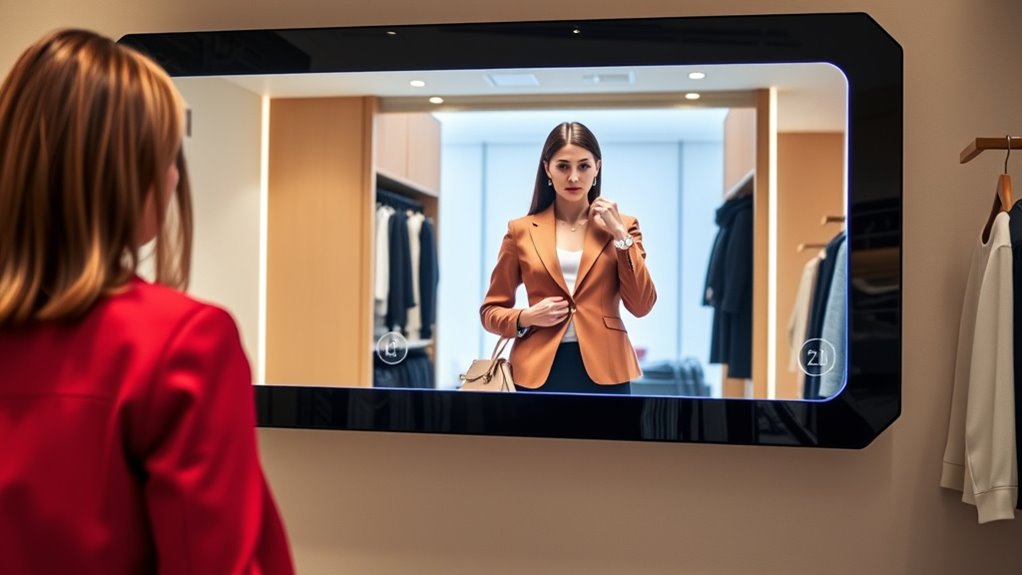
Smart mirrors are transforming the way you start your day by seamlessly blending traditional reflection with advanced technology. These devices go beyond simple mirrors, offering interactive displays that let you explore various features with ease. When you step in front of a smart mirror, you’re greeted with more than just your reflection—you see a digital interface that can showcase weather updates, news, or even your daily agenda. But one of the most exciting aspects is their ability to help you try on clothes, accessories, or makeup virtually, thanks to augmented reality. This technology overlays digital images onto your reflection, giving you a realistic preview of how different items will look without physically trying them on. However, for the most accurate virtual try-ons, calibration becomes essential.
Calibration ensures that the augmented reality feature aligns perfectly with your real-world reflection. If the digital overlay isn’t properly calibrated, virtual items might appear out of place or misaligned, which can lead to false impressions and frustration. To get the best results, you need to start by positioning yourself correctly in front of the mirror, ensuring good lighting and a neutral background. Some smart mirrors come with built-in alignment tools that guide you through the calibration process—these often involve moving your head or face in specific ways to help the system recognize your features accurately. Once calibrated, the interactive displays can track your movements and facial features with precision, making virtual try-ons feel natural and seamless.
Many smart mirrors also allow you to fine-tune calibration settings manually if needed. You might be asked to adjust sliders or markers on the digital interface to align the virtual overlay with your actual reflection. Regular recalibration is advisable, especially if you move the mirror or change its position, as even slight shifts can affect accuracy. Some models even offer automatic calibration features that adjust in real time, ensuring ongoing precision without hassle. When properly calibrated, your virtual try-ons become more convincing, allowing you to see exactly how a piece of clothing, eyewear, or makeup will look on you before making any decisions. This not only saves time but also boosts confidence in your choices.
In essence, calibration is the key to *unlocking* the full potential of your smart mirror’s augmented reality capabilities. By taking a few moments to set it up correctly, you *ensure* that the interactive displays work in harmony with your reflection. This attention to detail guarantees more reliable, realistic try-ons, making your experience smoother and more satisfying. As smart mirror technology continues to evolve, calibration remains a *crucial* step in delivering an authentic virtual experience—one that closely mimics trying on items in real life. Understanding the importance of physical and emotional readiness can also contribute to a more positive experience with virtual try-ons and overall confidence. So, invest the effort to calibrate your smart mirror properly, and enjoy a more accurate, immersive, and convenient virtual wardrobe at your fingertips.
As an affiliate, we earn on qualifying purchases.
Frequently Asked Questions
How Often Should I Recalibrate My Smart Mirror?
You should recalibrate your smart mirror regularly, ideally every few months, to maintain calibration accuracy. Follow your device’s maintenance schedule, especially after software updates or physical adjustments. Keep an eye on any misalignments or inaccuracies in try-ons, which signal it’s time for recalibration. Consistent calibration ensures precise fitting and a seamless experience, so don’t skip routine checks—staying proactive keeps your smart mirror functioning at its best.
Can Calibration Fix Color Accuracy Issues?
Yes, calibration can fix color accuracy issues. You should perform color calibration regularly to guarantee your smart mirror displays colors correctly, especially after hardware maintenance or updates. Proper calibration adjusts the display settings, helping you see true-to-life colors for a better virtual try-on experience. Keeping your hardware well-maintained ensures consistent performance, so don’t forget to recalibrate whenever you notice color discrepancies or after any hardware adjustments.
Is Calibration Necessary for Different Lighting Environments?
Yes, calibration is necessary for different lighting environments. You need to guarantee lighting adaptation so the mirror adjusts accurately to varied conditions. Proper sensor alignment helps the mirror interpret lighting changes correctly, maintaining consistent try-on accuracy. When you calibrate regularly, it reduces color and appearance discrepancies caused by ambient light variations, giving you a more reliable and true-to-life virtual try-on experience, regardless of the surrounding lighting conditions.
What Tools Are Needed for Manual Calibration?
Did you know that 75% of smart mirror users prefer manual calibration for better accuracy? To do this, you’ll need calibration tools like a reference chart, a ruler or measuring tape, and a calibration pattern. With these tools, you can perform manual adjustment by aligning the mirror’s display with real-world measurements, ensuring precise try-ons every time. Proper calibration helps improve fit and confidence in your virtual fittings.
Does Calibration Affect the Mirror’s Hardware Longevity?
Yes, calibration can influence the mirror’s hardware longevity if not done properly or too frequently. Regular calibration, balanced with proper hardware maintenance, ensures the components stay in good condition, preventing unnecessary wear and tear. You should follow recommended calibration frequency to avoid overloading the hardware, which helps extend its lifespan. Proper maintenance and appropriate calibration intervals are key to maintaining both accuracy and hardware durability.
Conclusion
Think of your smart mirror as a loyal friend, always ready to reflect your best self. When you calibrate it correctly, it becomes a clear window to your true style, free of distortions. Like a well-tuned instrument, it captures your essence perfectly, turning every try-on into a moment of confidence. Keep it calibrated, and watch as your reflection becomes a symbol of authenticity—your personal mirror of truth in a world full of illusions.